Make OneNote work the way you do
OneMore adds the editing tools, formatting shortcuts, and organization features that OneNote leaves out — without slowing you down or costing you a thing.
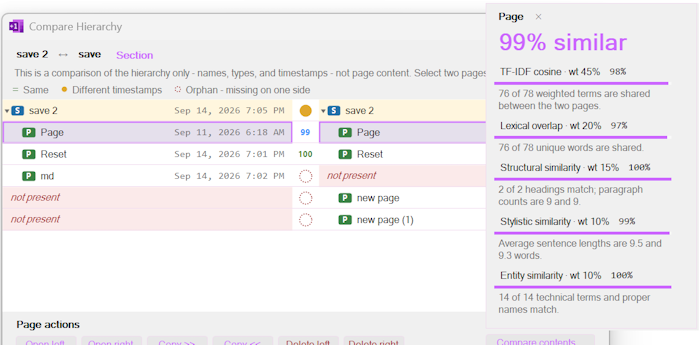
Compare, sync, and de-duplicate notes using Compare Notebooks and Remove Duplicates
Want to switch from Evernote to OneNote? OneMore makes it easy with .enex file conversion
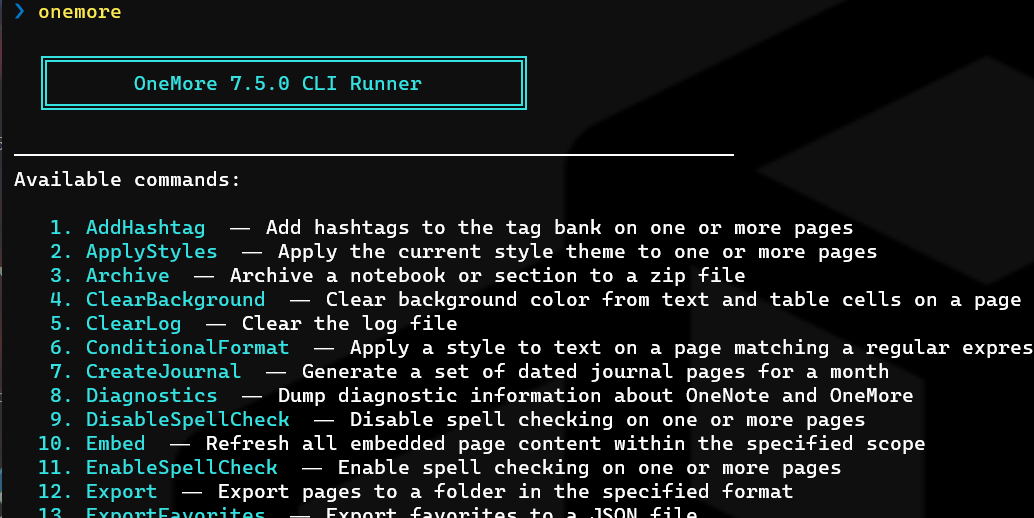
Over 40 commands available from the command line to automate common tasks
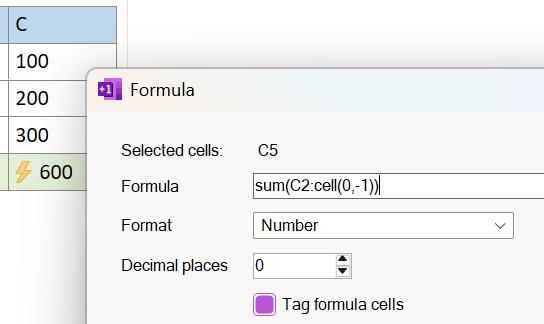
Add formulas in table cells using Excel-like expressions and recalculate them at any time
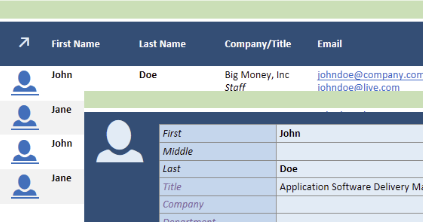
Import contacts and update details directly from OneNote and save to Outlook
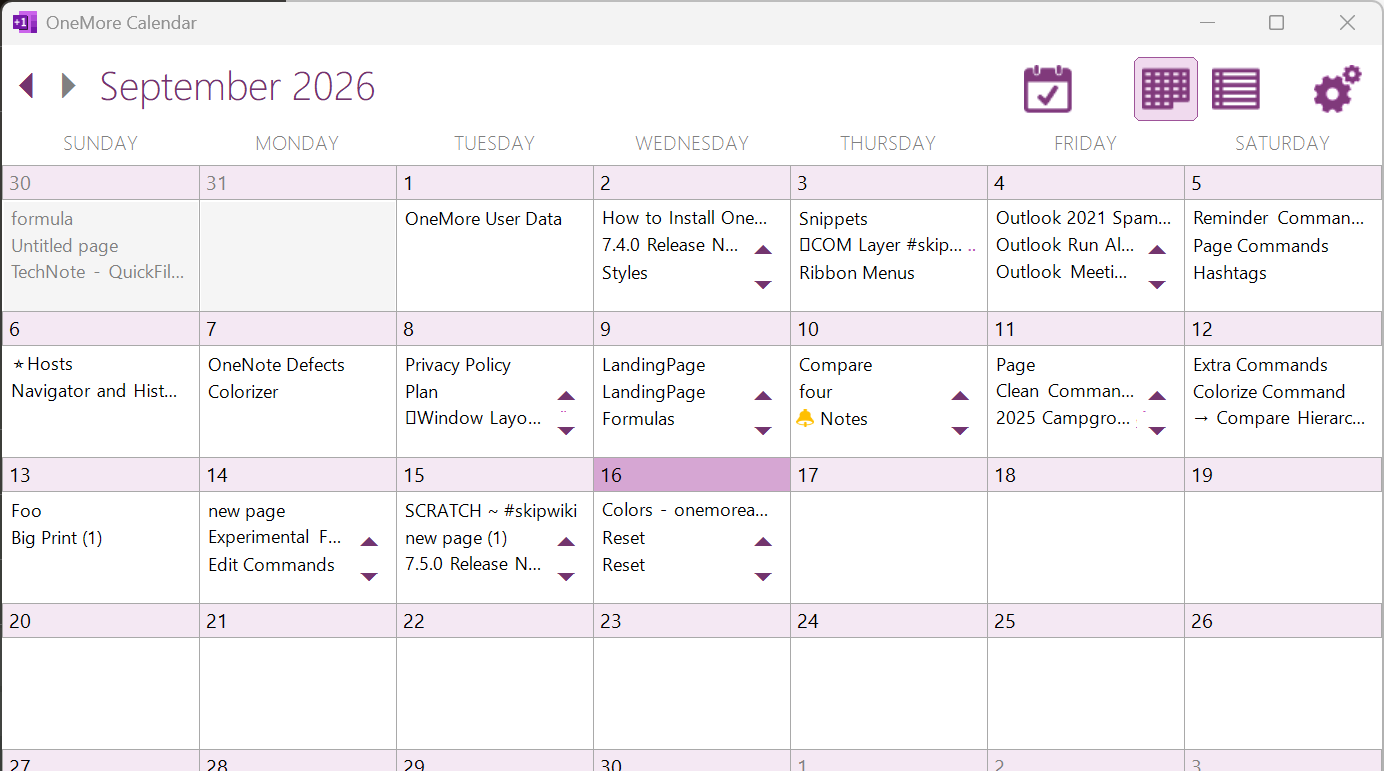
Specialized app to see pages across time
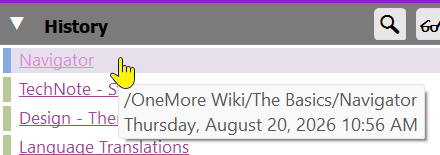
Navigate headings on this page, your history of pages, and manage your own reading list
Everything OneNote should have shipped with
A few hundred small conveniences, all built into one add-in.
Command Palette
Use the Command Palette to access 200+ commands or the Quick Palette to apply styles, without leaving the keyboard.
Styles & formatting
One-click text styles and table styles, custom color themes, and consistent formatting across every notebook.
Table of contents
Auto-generate a table of contents for any page, section, or notebook — kept in sync as you edit.
Code & Markdown
Paste Markdown straight into OneNote, or drop in a syntax-highlighted code box for snippets.
Favorites & hashtags
Pin your most-used pages as Favorites, and tag notes with inline #hashtags to find them again instantly.
Image editing & diagrams
Crop, rotate, and adjust images without leaving OneNote — plus render Mermaid and PlantUML diagrams straight from code.
Snippets
Save any block of content as a reusable snippet, then drop it into any page whenever you need it again.
Free & open source
No subscription, no telemetry opt-in required, no catch. Built in the open on GitHub since 2018.
Contact Us
Have a question, a comment, or a really good suggestion — or just want to say hi? Contact us.
Sponsor
OneMore is a hobby project, free of charge. Please consider a small donation to support ongoing development — click here.
Popular with users
Pulled from real usage across the OneMore community
Ready to get more out of OneNote?
Free, open source, and installs in under a minute. Windows only.